
 iOS · Apple App Store
BackNest: USB Photo Backup
Copy photos and videos from your iPhone to USB flash drives, portable drives, and SD cards. No cloud upload — files stay on your drive.

Why USB backup
- Own your data — save originals to removable storage you control
- Works with any folder on a connected drive
- Resume after USB disconnect or when you return to the app
- Restore from USB back to Photos (Pro)
How it works
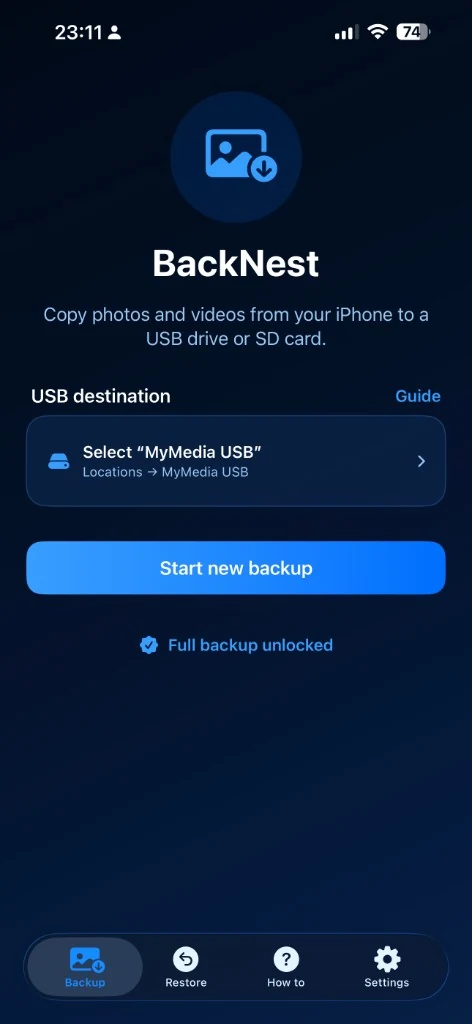
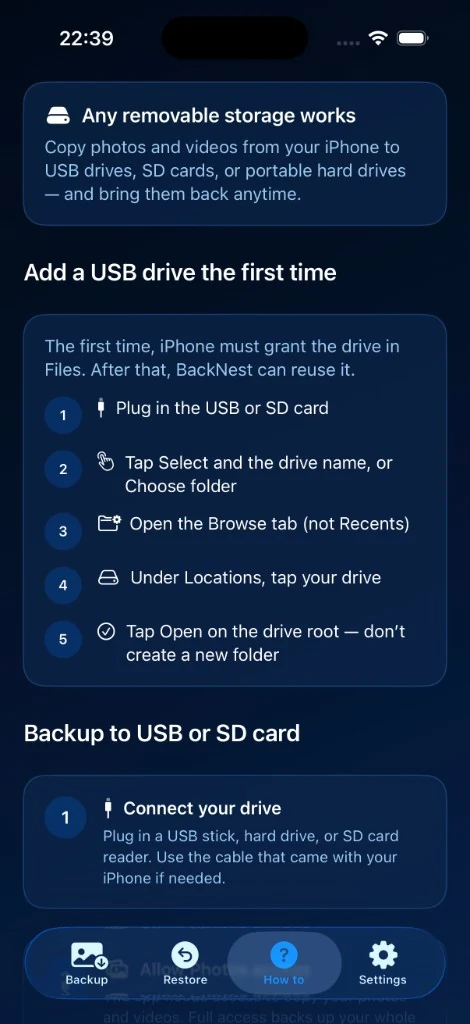
- Connect your USB drive or SD card
- Allow Photos access
- Choose a folder on your drive
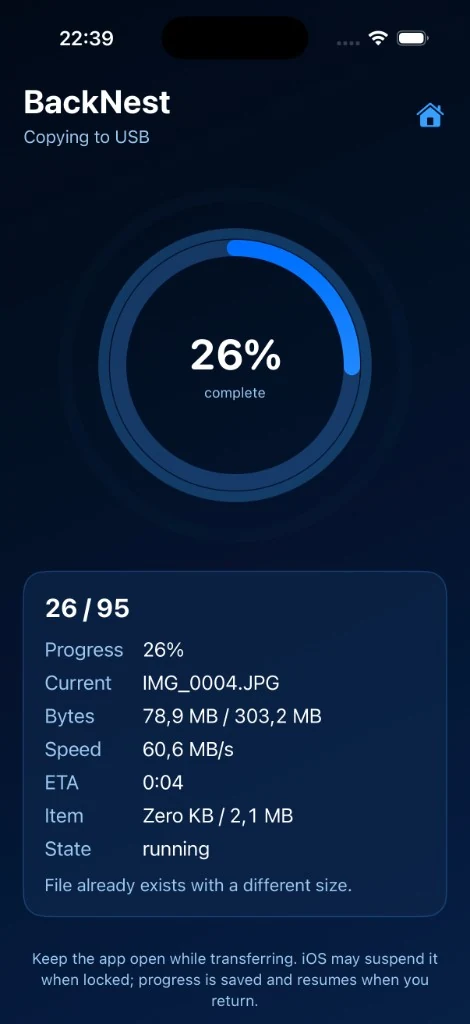
- Start backup and keep the app open while copying
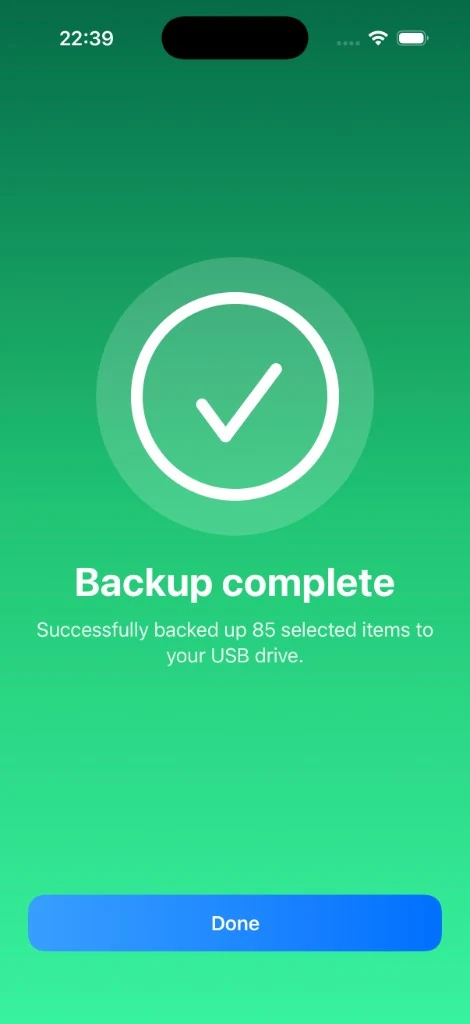
Files are saved in a clear “media backup” folder on your drive, ready to use on a computer or another device. Originals in Photos are not deleted during backup.
Free to try
- Back up 20 photos at no cost
- Resume interrupted photo backups within your free limit
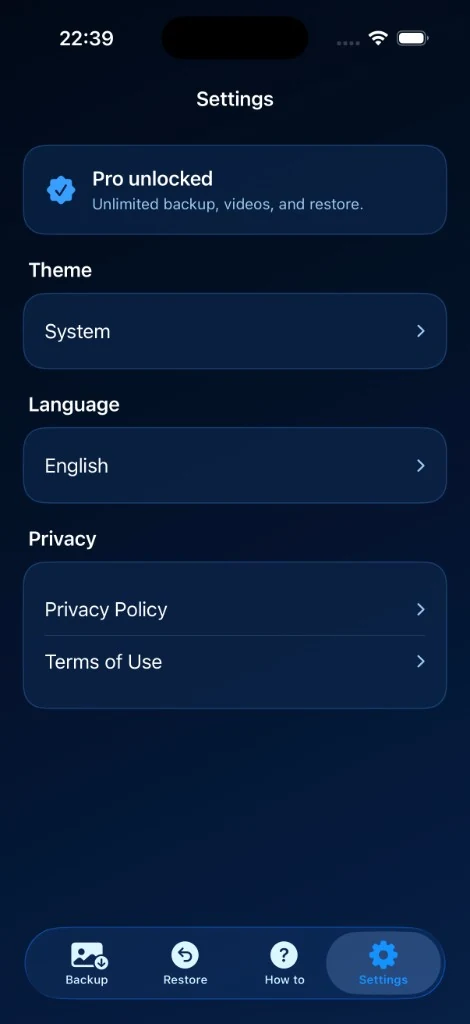
USB Backup Pro (one-time purchase)
- Unlimited photo backup
- Video backup
- Restore from USB to Photos
- Family Sharing eligible (when enabled on the purchase)
Important
- A USB-C drive or adapter is required on most iPhones
- Keep the app open during copying — iOS may pause transfers in the background
- Full Photos access is recommended for a complete library backup
Perfect for travel, extra storage, switching phones, or keeping a private offline copy of your memories.
Frequently asked questions
How do I back up iPhone photos to a USB drive?
Connect a compatible USB drive or SD card, allow Photos access, choose a destination folder, and start the backup in BackNest. Keep the app open during copying.
Does BackNest upload my photos to the cloud?
No. BackNest copies media on your device to the storage you choose. ByteGlo does not receive your photo library. The backup does not delete the originals from Photos.
What can I do for free?
You can back up 20 photos for free. The one-time Pro purchase unlocks unlimited photo backup, video backup, and restoring files from USB to Photos.