

 iOS · Apple App Store
HideRoll: Private Photo Cleaner
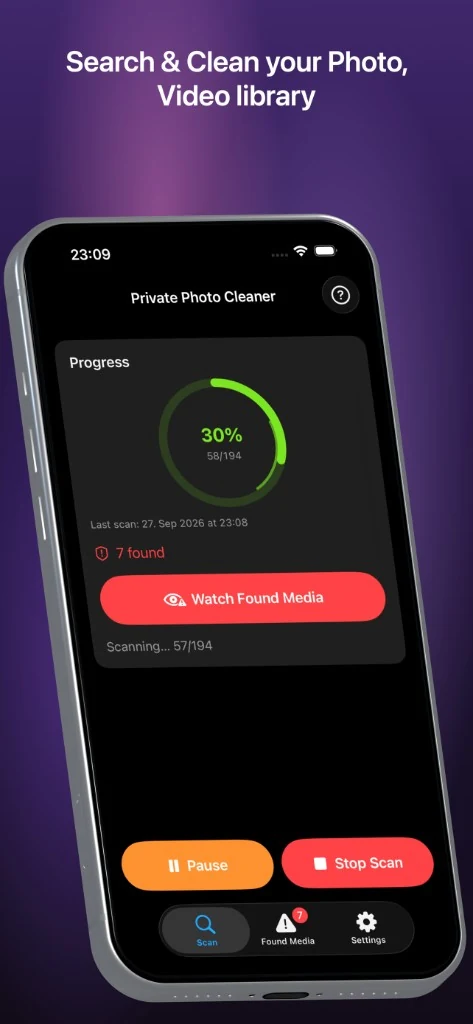
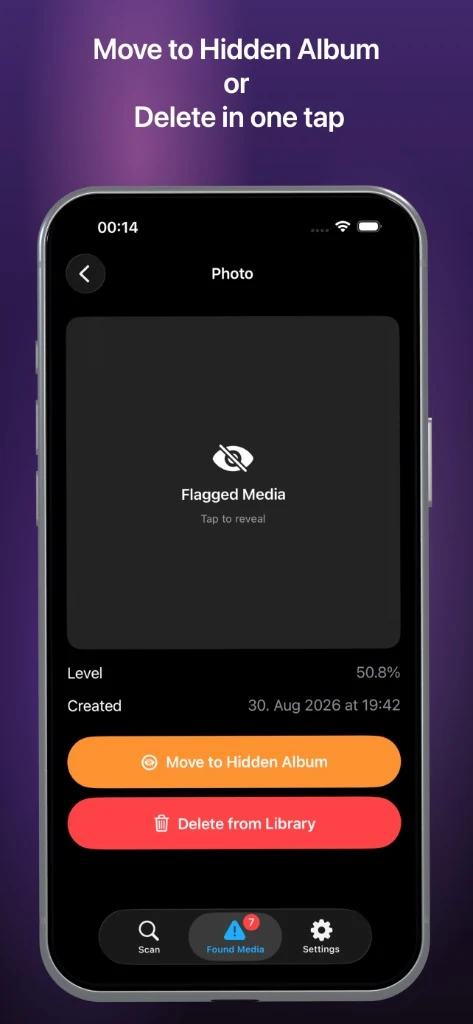
Scan your Photos library on your iPhone. Flagged items stay covered until you preview — then move to the Hidden album or delete in one tap. Local AI only — no cloud upload.
Coming soon

Why HideRoll
- On-device Core ML scan — photos and videos never leave your iPhone
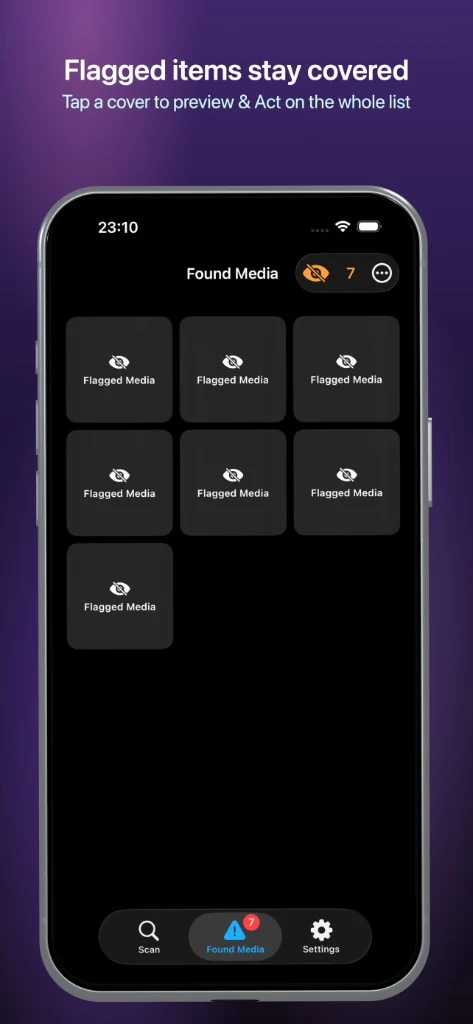
- Flagged items stay covered until you choose to preview
- Move matches to the system Hidden album or delete from Photos
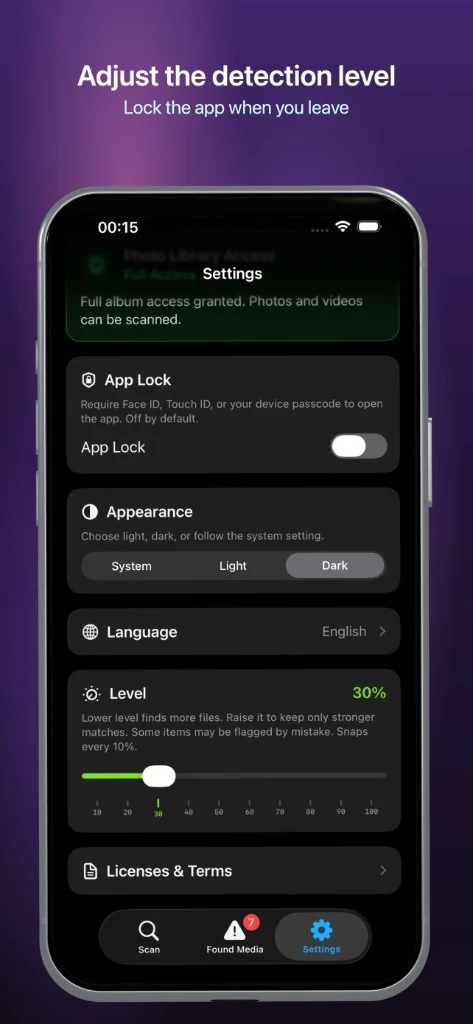
- Adjustable detection level, optional App Lock with Face ID
How it works
- Allow Photos access (full library recommended)
- Scan photos and videos with the bundled on-device model
- Review covered findings in Found Media
- Hide in Photos or delete — you confirm every action
Classification runs only on your device. ByteGlo does not upload, store, or receive your photo library. Media that is not available locally (for example iCloud-only originals) may be skipped.
Free to try
- Scan up to 300 photos and 10 videos
- Preview up to 3 found items
Pro (one-time purchase)
- Unlimited photo and video scans
- Preview all found media
- Hide and delete findings
- App Lock with Face ID / Touch ID
Important
- On-device helper only — results can include false positives; you review before acting
- Delete from Photos may be permanent — confirm carefully
- No cloud sync or ByteGlo accounts — settings and findings stay on this device
- Uninstalling removes local app data
Built for private library cleanup — scan on device, keep findings covered, act when you are ready.
Frequently asked questions
Does HideRoll send photos to an AI server?
No. HideRoll scans photos and videos on your device with local Core ML models. ByteGlo does not upload or receive your photo library.
Can I review photos before hiding or deleting them?
Yes. Findings stay covered until you preview them. Classification can produce false positives, so review results before acting. Deleting media from Photos may be permanent.
Is HideRoll available to download?
HideRoll is coming soon. The App Store download link will be enabled on this website after release.