

 iOS · Apple App Store
MosaCrypt
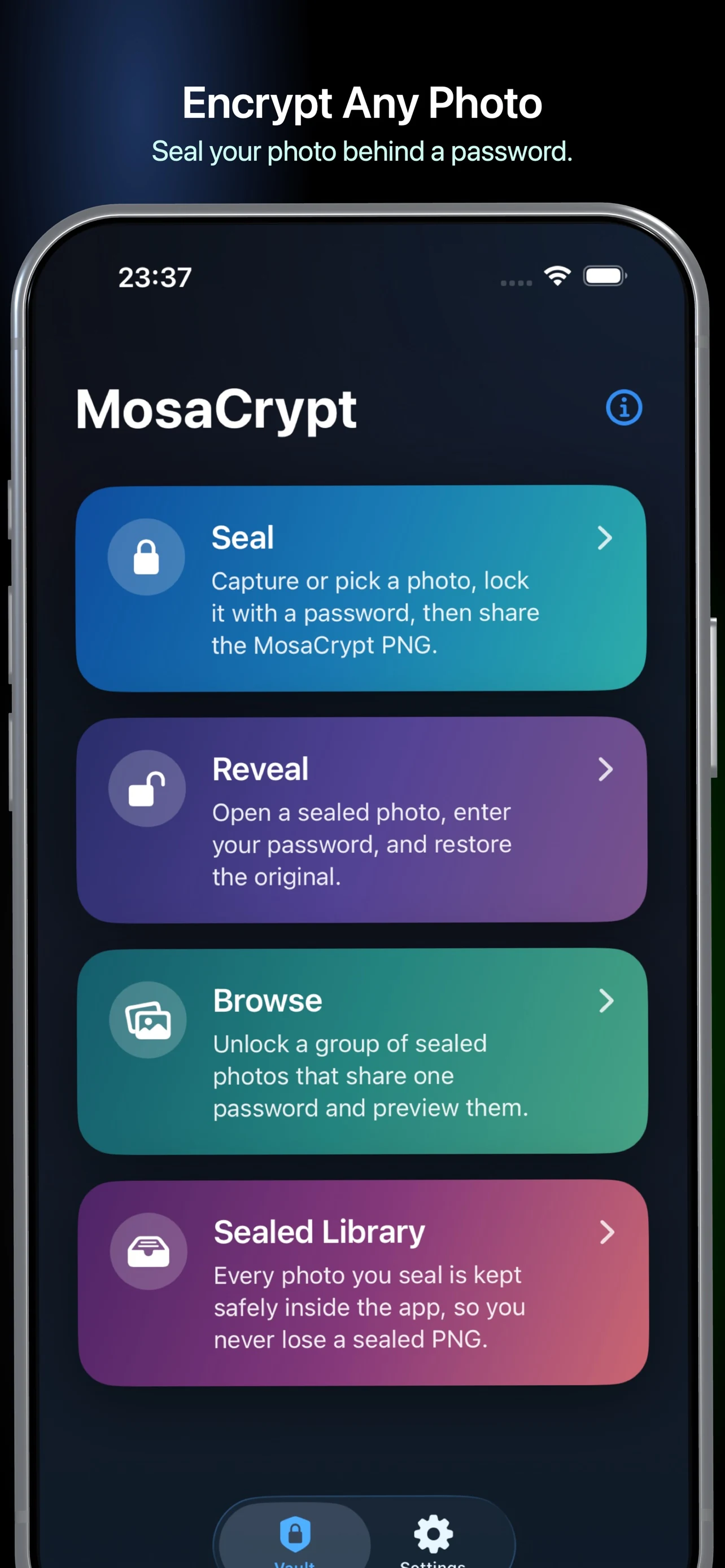
Seal any photo with a password, share the encrypted PNG like a regular image, and reveal it privately on your device. No accounts, uploads, tracking, or cloud storage.
Coming soon

Why MosaCrypt
- Authenticated AES-256-GCM encryption using Apple CryptoKit
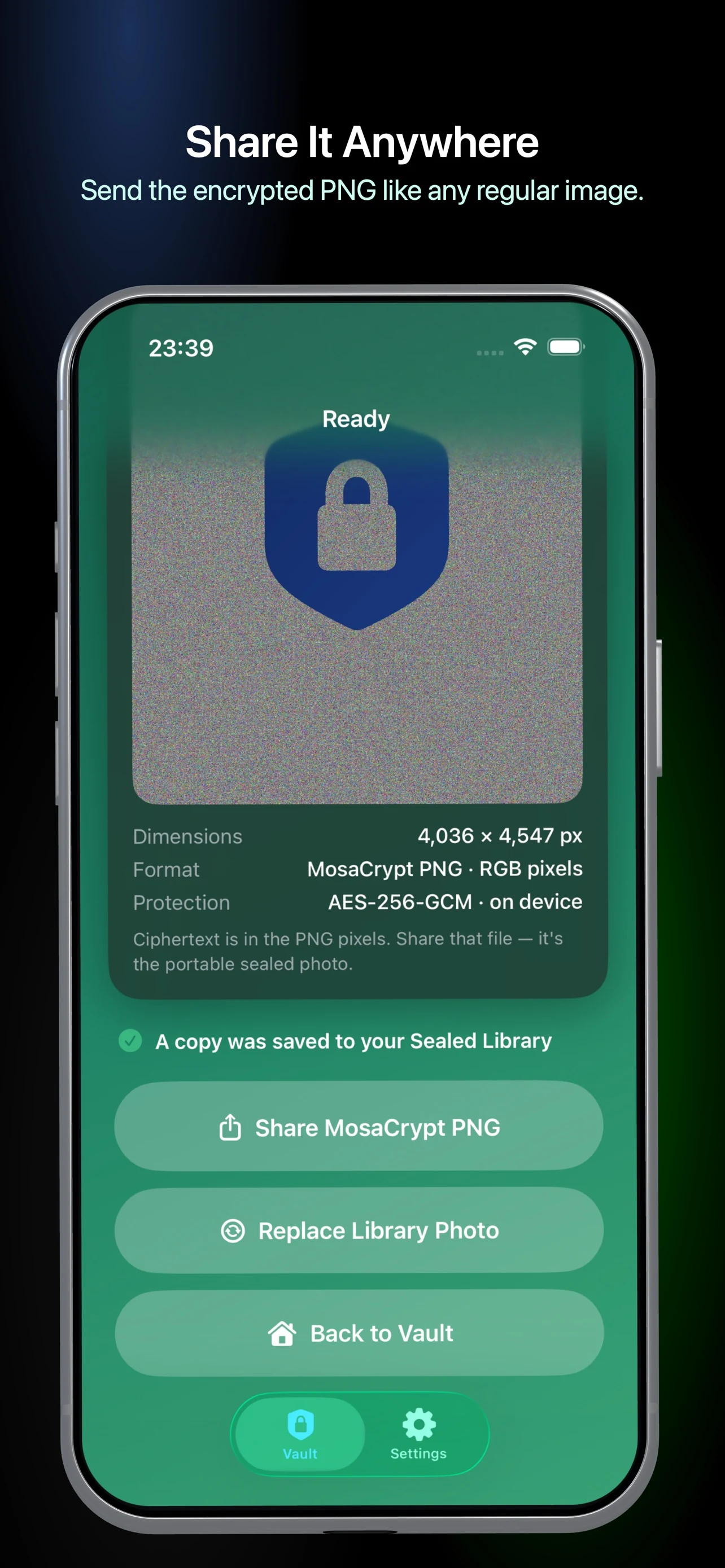
- Ciphertext is carried inside lossless PNG pixels for portable sharing
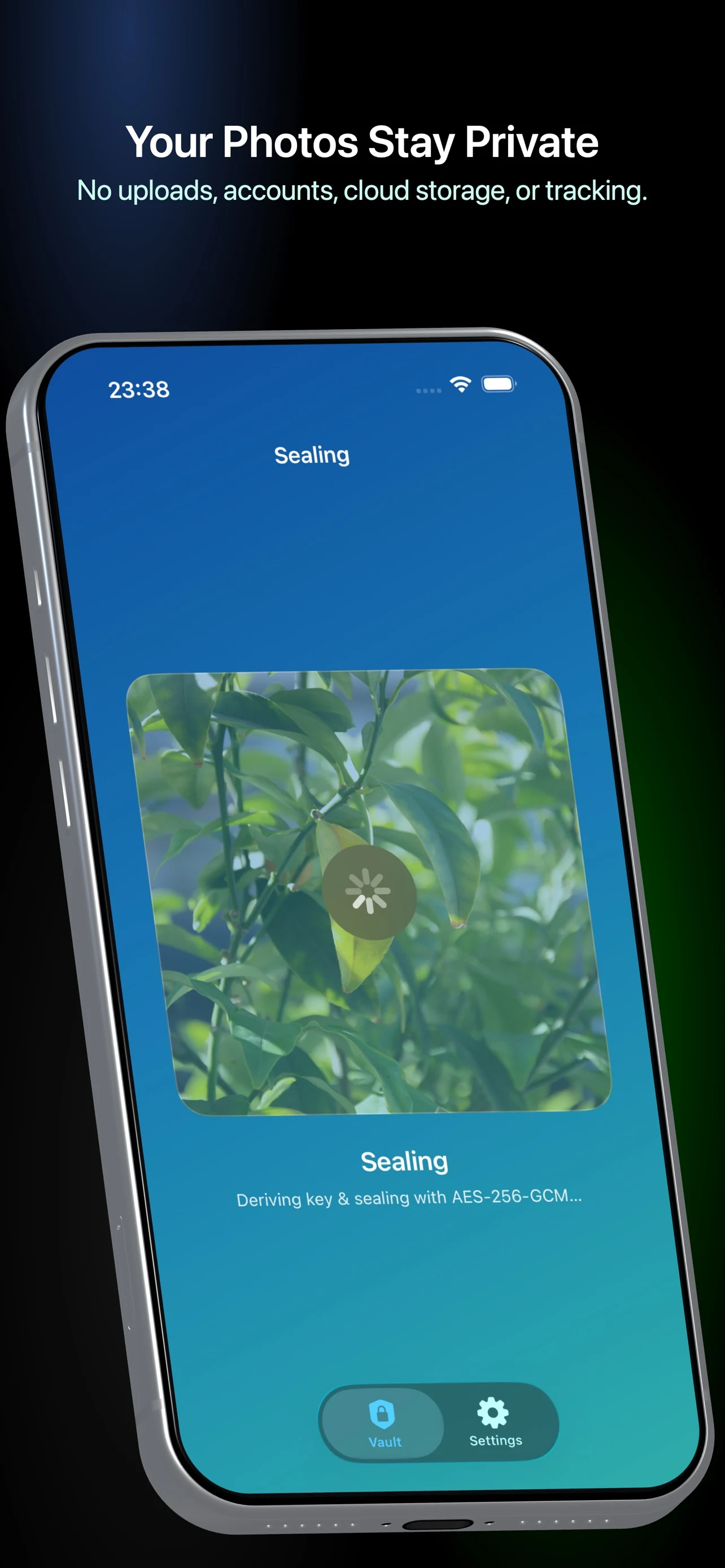
- Encryption, key derivation, and reveal happen on your device
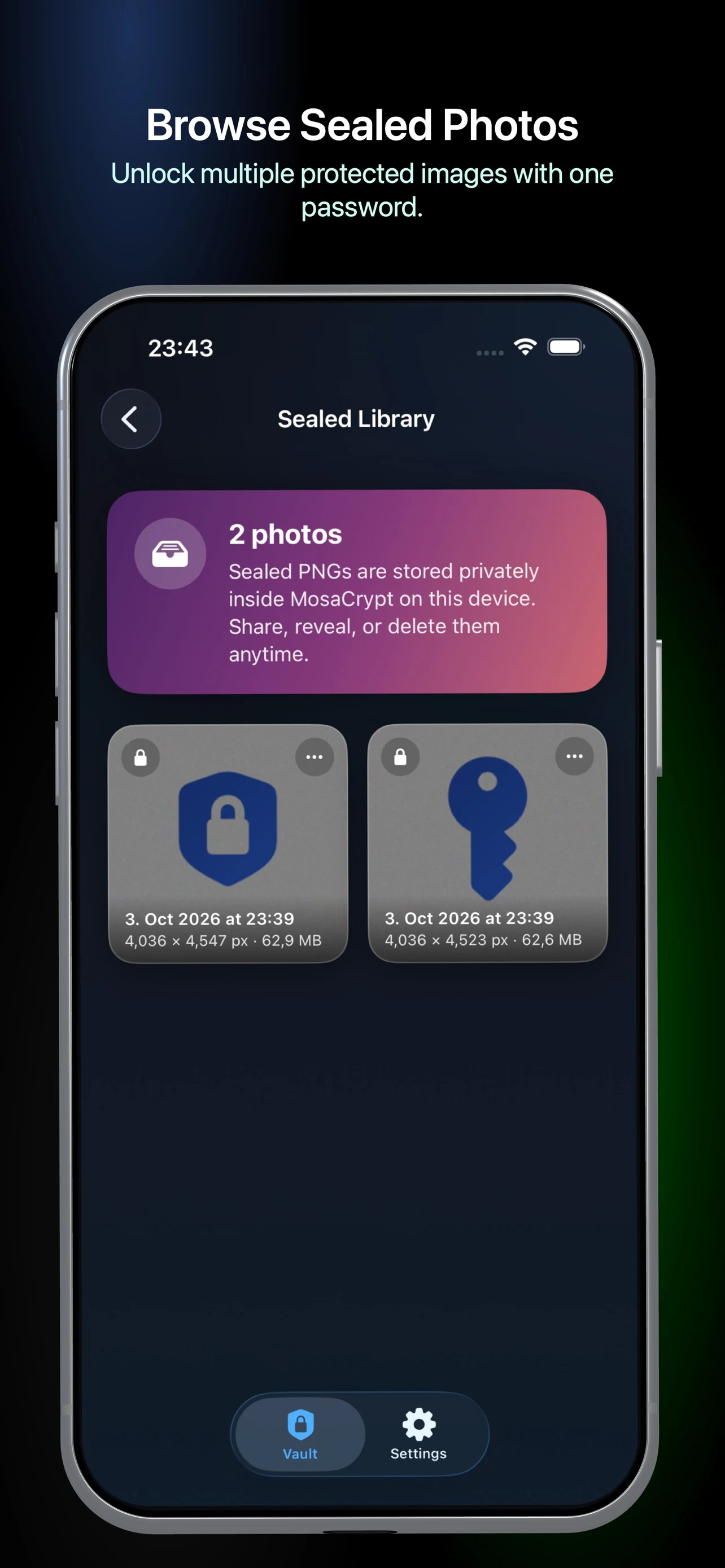
- A private Sealed Library keeps local copies ready to share or reveal
How it works
- Take a photo or choose one you have allowed MosaCrypt to access
- Choose a password and seal the photo locally
- Share or save the lossless MosaCrypt PNG
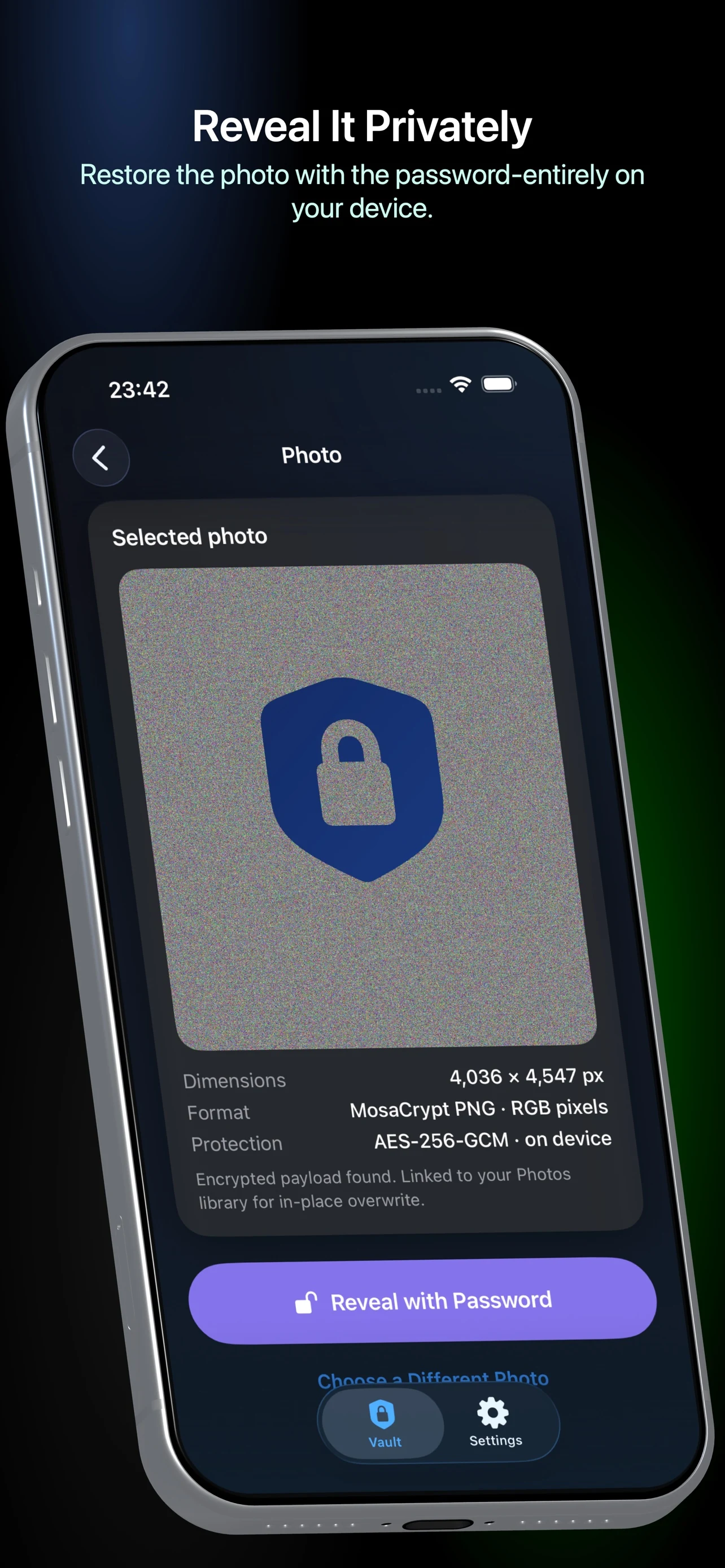
- Open it later and enter the same password to restore the original
Your password is used to derive the encryption key and is not stored by ByteGlo. Keep it safe: neither MosaCrypt nor ByteGlo can recover a forgotten password.
Free to try
- Three total seal, reveal, or browse-unlock uses
- Optimized photo resolution and the standard MosaCrypt watermark
Premium (one-time purchase)
- Unlimited sealing, revealing, and browsing
- Original-resolution sealing
- Turn the watermark off or customize its text, symbol, and color
- Pay once — no subscription
Important
- Keep the password: encrypted photos cannot be recovered without it
- Keep the PNG lossless — editing, conversion, or messaging-service compression may damage its encrypted pixels
- Replacing a Photos item creates a new item; the previous item may remain in Recently Deleted and iCloud may retain copies
- Sealed Library copies are local and are removed when you uninstall the app; exported copies remain where you saved them
Built for private, portable photo protection — local encryption, lossless sharing, and no ByteGlo cloud account.
Frequently asked questions
How does MosaCrypt encrypt a photo?
Choose or capture a photo and set a password. MosaCrypt encrypts the photo on your device and carries the encrypted data in a lossless PNG that you can save or share.
Can ByteGlo recover a forgotten password?
No. ByteGlo does not receive your password or encryption keys. Keep the password and an unmodified, lossless copy of the encrypted PNG; editing or compression may prevent recovery.
Is MosaCrypt available to download?
MosaCrypt is coming soon. The App Store download link will be enabled on this website after release.