 macOS · Mac App Store
Shotplant
Design App Store screenshots on your Mac. 3D iPhone and iPad frames, style templates, and optional AI translation for every language.
Coming soon

Why Shotplant
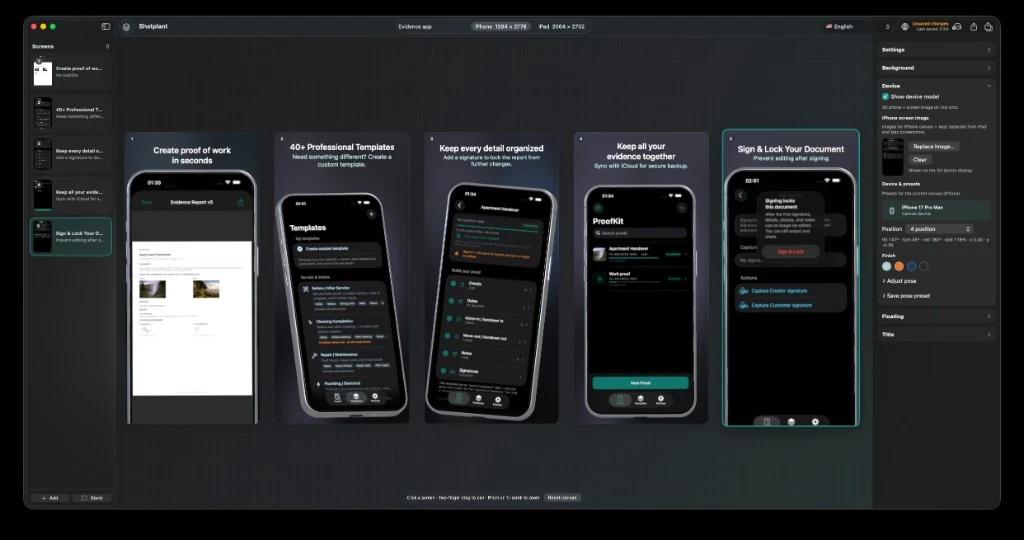
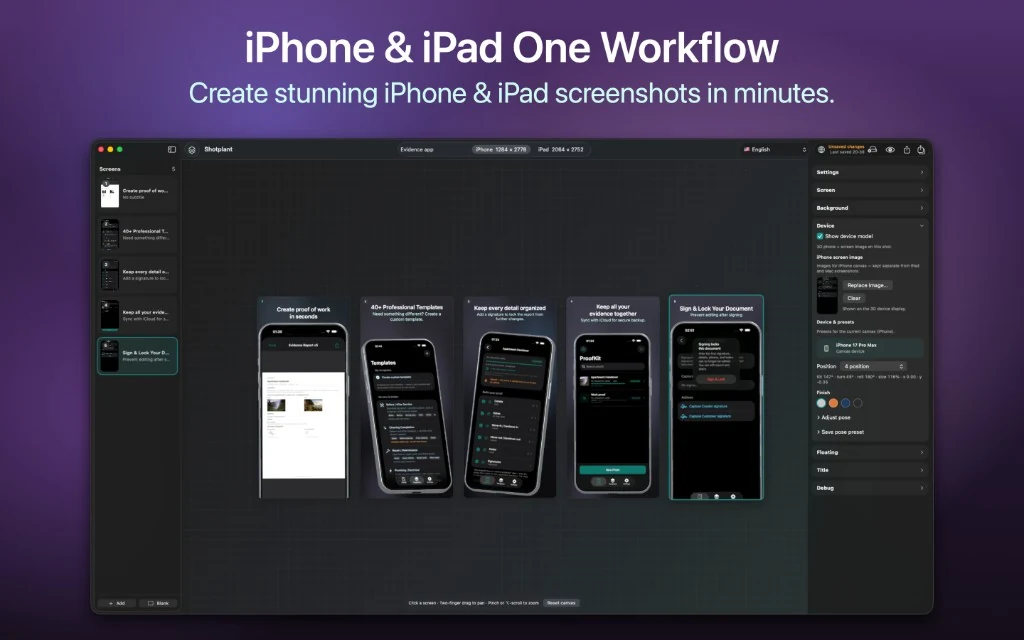
- One Mac workflow for iPhone and iPad App Store canvases
- 3D device frames with pose, finish, and background controls
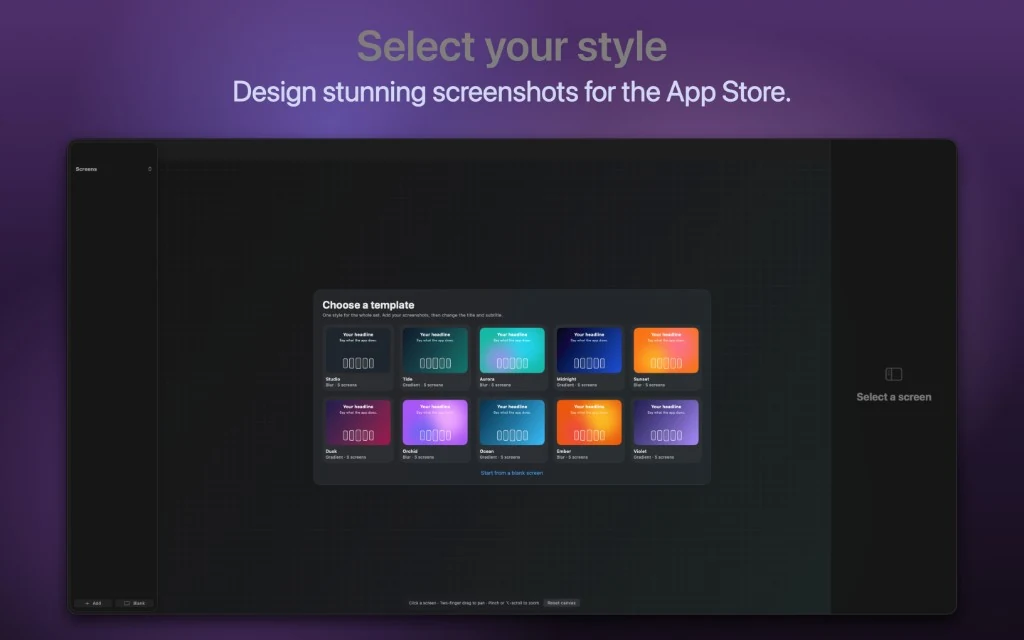
- Ready-made style templates for a full screenshot set
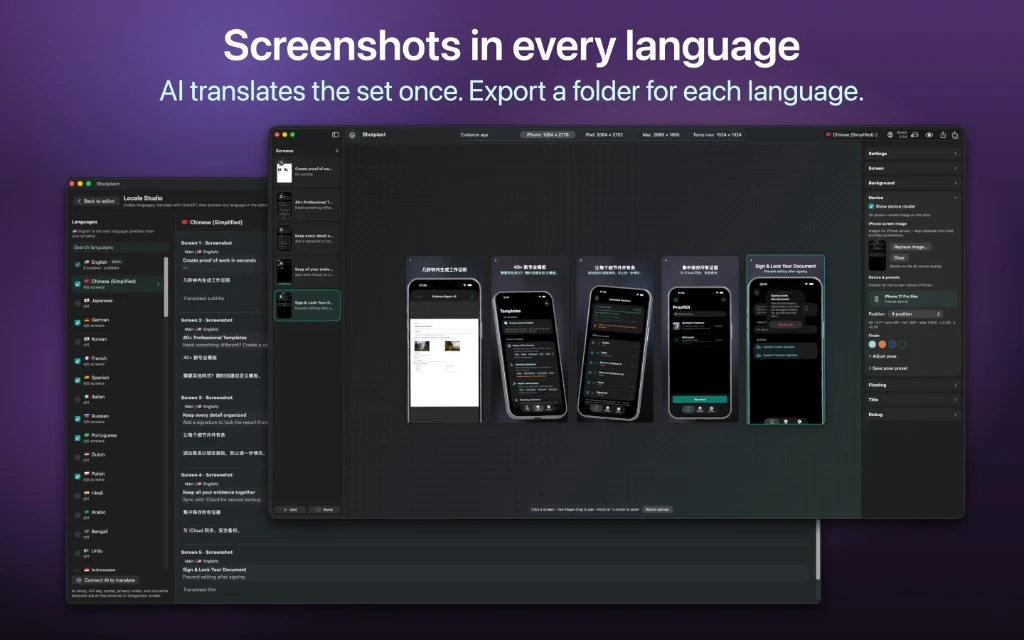
- Optional AI Locale Studio — translate titles once, export per language
How it works
- Add screens or drop your app screenshots
- Pick a style template and canvas size (iPhone or iPad)
- Tune device pose, finish, background, title, and subtitle
- Export PNGs — optionally translate and export locale folders
Projects stay on your Mac. Optional AI translation uses your own OpenAI or Gemini key and sends only title/subtitle text you choose — not your screenshot images.
Free to try
- Build full screenshot sets with templates and 3D devices
- Export with watermark on free tier
Premium (Mac App Store)
- Clean PNG exports without watermark
- Multi-locale export packs for App Store Connect
- Best live canvas detail
- Unlock via Mac App Store / StoreKit
Important
- Requires macOS 14+ and a Mac
- AI translation is optional and uses your provider account (OpenAI or Gemini)
- ByteGlo does not host your projects or proxy AI requests
Built for App Store listing sets — design once, localize fast, export clean.
Frequently asked questions
Can I make iPhone and iPad App Store screenshots on a Mac?
Yes. Shotplant is designed for App Store screenshot sets with iPhone and iPad canvases, 3D device frames, style templates, and PNG export. It requires macOS 14 or later.
Does AI translation upload my screenshots?
No. Optional translation uses your own OpenAI or Gemini account and sends only the title and subtitle text you choose. Screenshot images and project files are not uploaded by ByteGlo.
Is Shotplant available to download?
Shotplant is coming soon. The App Store download link will be enabled on this website after release.